



Find Your Warranty ID
If you previously registered a Warranty, you were assigned a unique Warranty ID.
Search your email inbox for an email from spaswholesale@gmail.com — your ID will be inside. No Warranty ID? No problem. Click the "Apply Without ID" button and fill in your detailed personal information.
Important: Personal info must match the original order exactly.

Find Your Purchase
Enter the email or phone number you provided when you made your purchase. This links your order history to your warranty account and pulls up all eligible items for claiming.

File a Claim
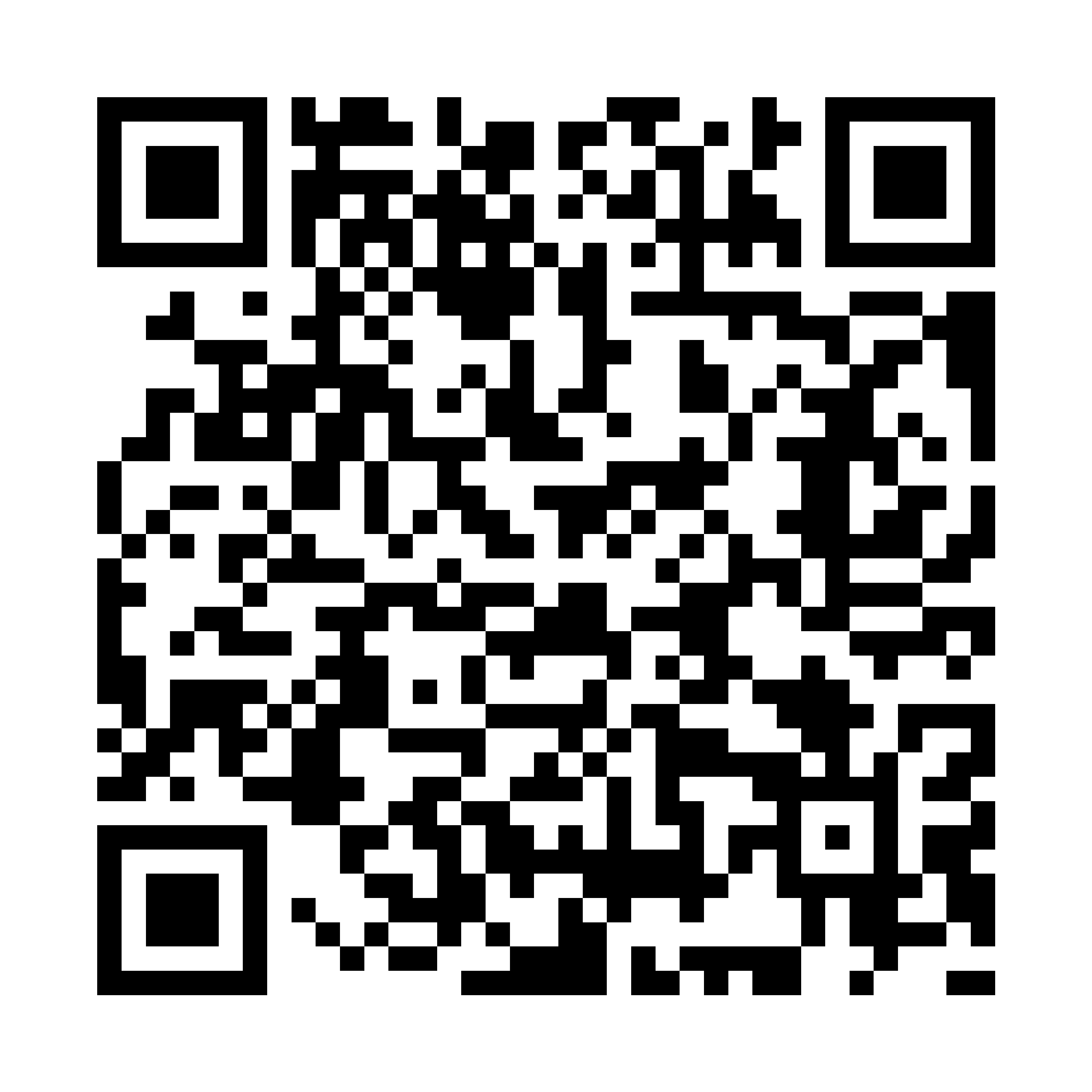
Click Warranty Claim Button below or scan the QR code to submit your claim directly.
Photos are required for submission. To expedite your claim journey, please have all relevant photos ready before starting.
Tip: Clear photos of the issue area help process claims faster.


